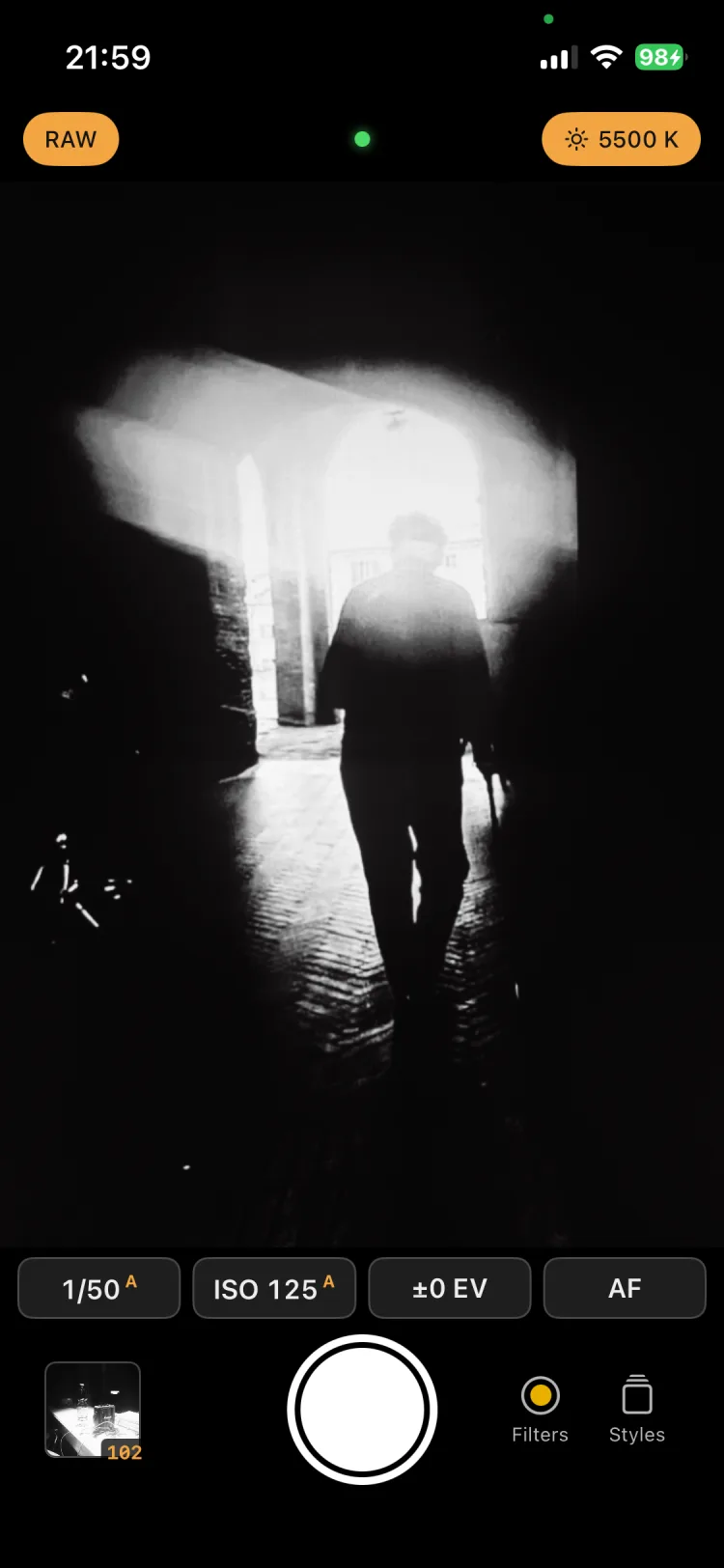
The complete guide to PROCOL monochrome camera, the black-and-white camera for iPhone from the Procol family: you shoot, develop and print as in a darkroom.
PROCOL monochrome camera is a black-and-white camera for iPhone. It is not a filter you apply afterwards: the viewfinder already shows the print, with the film, the colour filter and the paper you chose. When you shoot, Procol keeps the negative and the recipe. At any time you can go back to a frame and print it again in another way, as you would in a darkroom.
The viewfinder: you see the print before you shoot
Procol Camera works only with photographs taken by its own camera. It does not import pictures from your library and it does not open files. This is deliberate: as with a film camera, what you print is what you saw and framed yourself, in that light. For photographs you already have, there is the Procol darkroom, on the Mac and in the browser (docs.procol.it).
Procol is a project devoted to analogue black and white. Procol Camera is the camera: it shoots and prints on iPhone. Procol, the darkroom for Mac and the browser, works on photographs you already have. The two apps share the same engine, the same styles and the same stations: a recipe means the same thing in both.